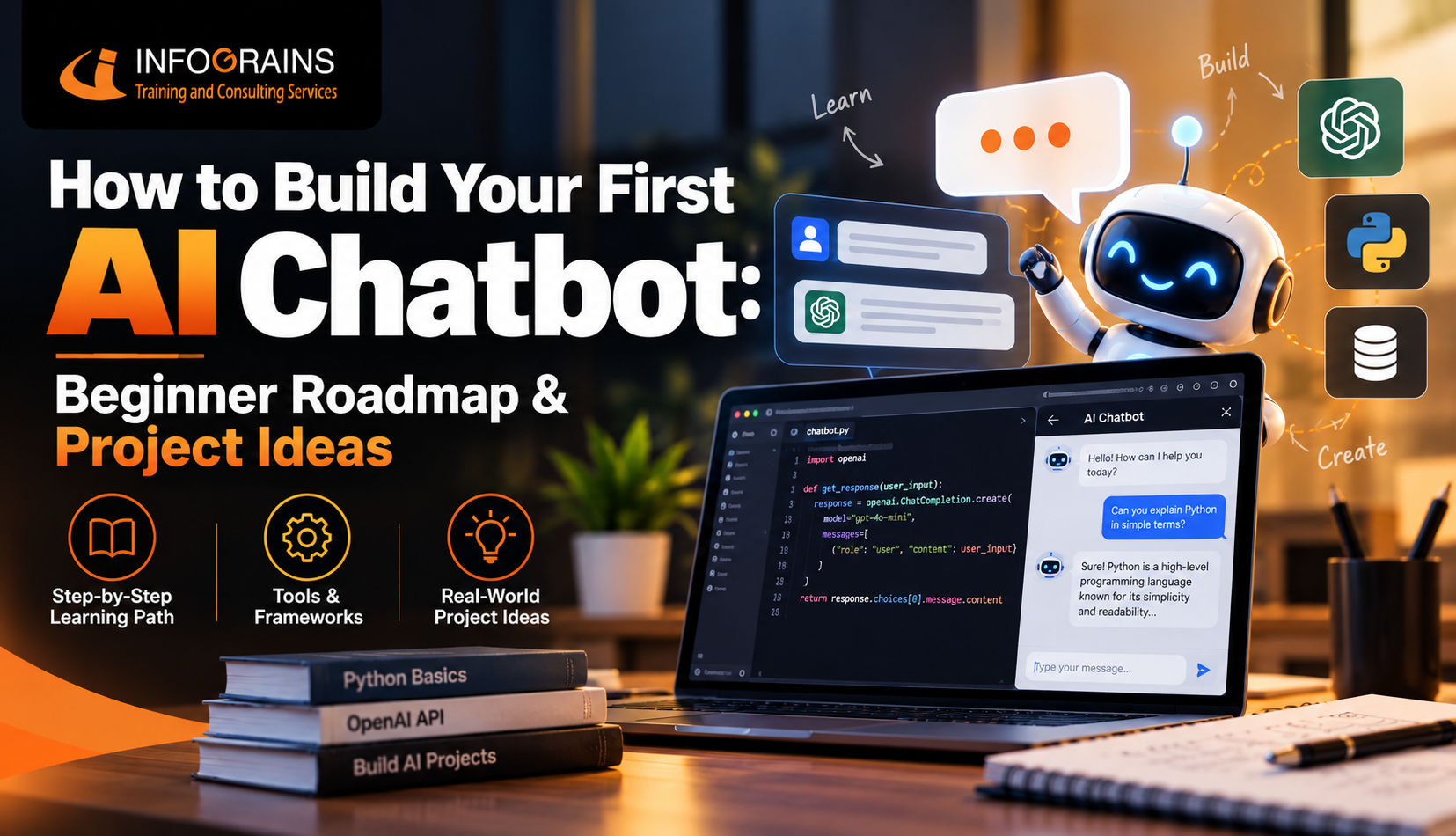
How to Build Your First AI Chatbot
A complete beginner roadmap — how chatbots actually work, the tools you need, a real code walkthrough, and project ideas worth building.
You don't need to train a model — you need to connect to one
Most beginner-friendly AI chatbots don't involve building a language model from scratch. They involve writing a simple application that takes a user's message, sends it to an existing AI model through an API, and displays the response — which is a completely realistic first project with basic Python skills.
How Do AI Chatbots Actually Work?
Strip away the buzzwords and the loop is simple: a message goes out, a model thinks, a reply comes back. Watch the dot travel the loop below.
Before You Build One, Talk to One
This mini demo is a rule-based bot — it only matches a few keywords, nothing more. Try typing "hi", "python", "roadmap", "projects", or "how" to see it in action, then ask it something random to see where rule-based bots fall apart (and why real AI chatbots use a language model instead).
What Skills Do You Need to Build an AI Chatbot?
- Basic Python programming — variables, functions, loops, and reading/writing simple scripts.
- Making API calls — sending requests to a service and handling the JSON response that comes back.
- Environment variables & API keys — keeping credentials out of your code and safely configured.
- Basic conceptual understanding of language models — not the math, just how input becomes output.
- Enough web basics to build an interface — Flask, Streamlit, or even a simple command-line loop to start.
Tools You'll Need to Create an AI Chatbot
| Layer | Common Choices | Why |
|---|---|---|
| Language | Python | Simple syntax, every major AI API has a Python SDK |
| AI Model Access | OpenAI API, Anthropic API, Google Gemini API | Skip training a model — use one that already works |
| Rule-based option | NLTK, spaCy | Good for learning NLP basics before using a full API |
| Chatbot frameworks | Rasa, Botpress | Useful once you need structured conversation flows |
| Interface | Flask, Streamlit, Telegram Bot API | Wrap your bot in something people can actually use |
Chatbot Development Roadmap for Beginners
Drag the marker to see what each stage of building your first AI chatbot actually involves.
Python Basics
Variables, functions, loops, and comfort reading/writing simple scripts — the baseline for everything that follows.
Connecting an AI Model to Your Chatbot (Python)
Here's the conceptual shape of nearly every beginner AI chatbot script — the exact SDK syntax will vary slightly by provider, but this pattern holds across almost all of them.
# 1. Import the AI provider's SDK and load your API key
import os
from ai_provider import Client

client = Client(api_key=os.environ["AI_API_KEY"])

# 2. Keep a running list of the conversation so the bot has context
conversation = []

def chat(user_message):
    conversation.append({"role": "user", "content": user_message})

    # 3. Send the full conversation to the model via the API
    response = client.messages.create(
        model="your-chosen-model",
        messages=conversation
    )

    reply = response.content
    conversation.append({"role": "assistant", "content": reply})
    return reply

# 4. A simple loop so you can talk to it from the terminal
while True:
    user_input = input("You: ")
    if user_input.lower() == "bye":
        break
    print("Bot:", chat(user_input))
Notice what this script doesn't do: it doesn't train a model, doesn't implement natural language understanding from scratch, and doesn't need deep learning knowledge. It manages conversation state and makes API calls — which is exactly the realistic, learnable scope of a first chatbot project.
AI Chatbot Project Ideas for Students
Filter by difficulty to find a project that matches where you're at right now.
College FAQ Bot
Answers common student questions — timings, fees, admission steps — using a small set of rules or a basic API call.
Study-Buddy Bot
Quizzes you on flashcard-style questions for a specific subject, tracking right and wrong answers.
Recipe Recommender Bot
Suggests recipes based on ingredients a user lists, using simple keyword matching or an API.
Personal Finance Tracker Bot
Logs expenses from chat messages and answers questions like "how much did I spend this week?"
Customer Support Bot
Handles common support questions for a mock product, escalating to "a human" when it doesn't know the answer.
Language Learning Buddy
Holds a simple back-and-forth conversation in a target language and corrects basic mistakes.
Resume Screening Assistant
Reads resume text and chats with a recruiter-style persona about whether a candidate fits a role description.
Mental Wellness Check-In Bot
Holds a structured daily check-in conversation and tracks mood trends over time — a strong final-year project with real design care.
Realistic Timeline to Build Your First AI Chatbot
Related Reads on Infograins TCS
AI Coding Tools for Students: Using AI Without Becoming Dependent
AI vs Machine Learning vs Deep Learning: What to Learn First
How AI Is Transforming Web Development in 2026
Want guided help building your first real chatbot?
Infograins TCS runs hands-on AI and chatbot development training — from your first API call to a deployed, portfolio-ready project.
Talk to a CounsellorFrequently Asked Questions
How can I build my first AI chatbot?
Start with Python basics, learn how to call an AI model through an API, connect that API to a script that takes user input and returns the model's response, then wrap it in a basic interface.
How do I create an AI chatbot from scratch?
Most beginners don't train a language model from scratch — instead, they build the surrounding application: taking input, sending it to an existing AI model via an API, and handling the response.
How can beginners build an AI chatbot?
Begin with a simple rule-based bot matching keywords to canned replies to understand the input-output loop, then progress to a real AI API once that's comfortable.
What skills are needed to build an AI chatbot?
Basic Python, making API calls and handling JSON responses, a conceptual understanding of language models, and enough web basics to build a simple interface.
Can I build an AI chatbot using Python?
Yes. Python is the most common language for AI chatbot development because nearly every major AI API has an official Python SDK.
How long does it take to build an AI chatbot?
A simple AI-powered chatbot using an existing API can be built in a few days once you know basic Python, while a polished project with memory and deployment typically takes two to four weeks.
What tools are needed to create an AI chatbot?
Python, a code editor, an API key from an AI provider, and optionally a lightweight web framework like Flask or Streamlit for the interface.
How do AI chatbots work?
A user's message is sent to a language model, usually through an API, which processes the text and predicts an appropriate response based on patterns learned during training.
What is the easiest way to build an AI chatbot?
Connecting an existing AI model's API to a simple script, rather than trying to build or train a model yourself.
Can students build an AI chatbot as a project?
Yes — AI chatbots are one of the most popular and practical final-year and portfolio projects for students, demonstrating API integration and applied AI understanding in one project.
What are the best AI chatbot projects for beginners?
A college FAQ bot, a study-buddy bot, a personal finance tracker bot, and a simple customer-support bot are all strong beginner-friendly projects with clear scope.
How do I connect an AI model to a chatbot?
You send the user's message as part of an API request along with your API key, and the API returns the model's response as structured data your application then displays.
What programming language is best for AI chatbot development?
Python is the most widely recommended language due to its simple syntax and strong AI/ML ecosystem, though JavaScript works well for chatbots tightly integrated into a website's front end.