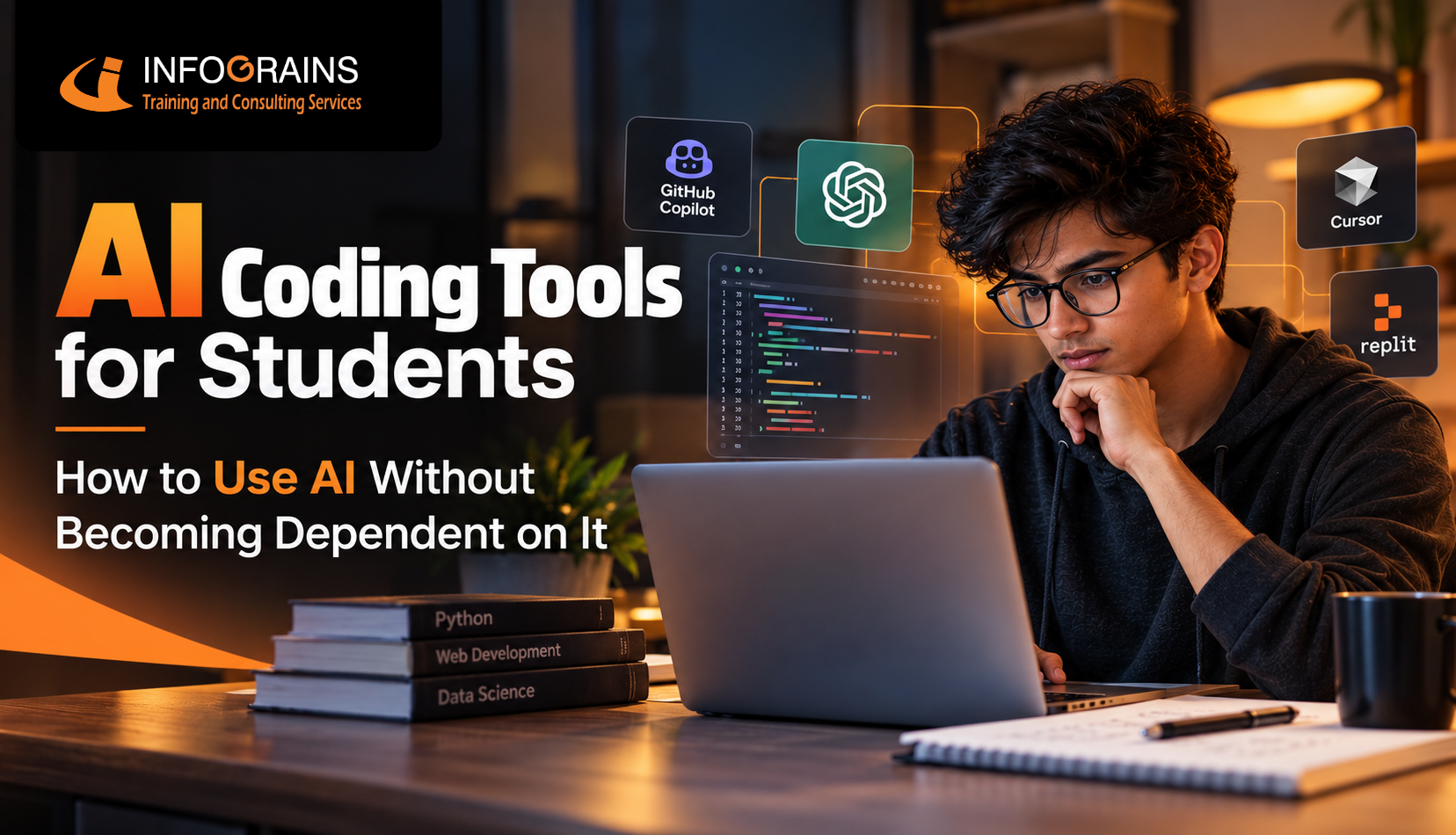
AI Coding Tools for Students: How to Use AI Without Becoming Dependent on It
AI can genuinely speed up how you learn to code — or quietly stop you from learning at all. The difference is entirely in how you use it.
AI is a tutor, not a replacement for thinking
Used to explain, debug, and review your own attempts, AI coding tools genuinely accelerate learning. Used to generate solutions you don't understand, they quietly erode the exact skills you're supposed to be building — and that gap shows up hard in technical interviews, where AI assistance usually isn't allowed.
Best AI Coding Tools for Students, By Use Case
Not every AI coding tool does the same job. Picking the right one for what you're actually trying to do matters more than picking the "best" one overall.
| Tool | Best For | Watch Out For |
|---|---|---|
| GitHub Copilot | In-editor code completion and boilerplate | Easy to accept suggestions without reading them |
| ChatGPT / Claude | Explaining concepts, debugging, reviewing your code | Can over-explain or write full solutions if you let it |
| Cursor | AI-native editor for larger codebases and refactoring | Powerful enough to do too much of the thinking for you |
| Replit AI | Beginner-friendly, browser-based coding with AI help | Low friction can encourage skipping the "figure it out" step |
| Amazon Q / CodeWhisperer | Cloud and AWS-specific development tasks | Less useful outside cloud-focused projects |
For students specifically, chat-based tools (ChatGPT, Claude) tend to be the safer starting point over inline autocomplete tools like Copilot — because typing out a question forces you to articulate what you don't understand, rather than just accepting a suggestion that appears automatically as you type.
Benefits of AI Coding Tools for Students
- Faster debugging — AI can often spot the cause of an error message far quicker than searching forums.
- On-demand explanations — unfamiliar syntax or concepts get explained instantly, in plain language, at your pace.
- Exposure to alternative approaches — seeing a different way to solve a problem you already solved builds real intuition.
- Less time lost on non-learning friction — typos and syntax errors that aren't actually the point of the exercise get resolved faster.
- A low-pressure way to ask "dumb questions" — no judgment for asking something basic repeatedly until it clicks.
Disadvantages of Using AI for Coding
- Weakened problem-solving skills — skipping the "stuck" phase means skipping the part where real learning usually happens.
- False confidence — code that works but that you can't explain is a liability, not a skill, especially once it breaks.
- Interview exposure — most technical interviews restrict or ban AI assistance, so heavy reliance shows up immediately under pressure.
- Shallow debugging ability — if AI always finds the bug for you, you never build the instinct to find it yourself.
- Academic integrity risk — submitting AI-generated work as your own can violate institutional policy, sometimes seriously.
Can AI Coding Tools Replace Learning Programming?
No — and this is worth being direct about, because it's the single most important thing to get right in this whole topic.
AI can generate correct code. What it can't do for you is build the mental model that lets you recognize why that code is correct, predict how it'll behave in an edge case it wasn't trained on, or debug it when it breaks in a way the AI didn't anticipate either. Those are exactly the skills employers test for in technical interviews, and exactly the skills that only come from struggling through problems yourself often enough that patterns start to click.
Think of it this way: a calculator didn't replace the need to understand math, but it did change what parts of math are worth spending your limited attention on. AI coding tools work the same way — they can remove tedious friction, but they can't remove the need to actually understand what you're building.
Fundamentals vs. AI Tools — Find the Balance
Every student leans one way. Drag the handle and see where the balance actually sits — and where it should sit if you're still learning.
How to Use AI for Coding Without Becoming Dependent on It
These are the specific habits that separate students who use AI to learn faster from students who quietly stop learning at all.
- Attempt first, ask second. Give every problem a real, timed attempt before opening an AI tool — even a wrong attempt teaches you more than an instant answer.
- Ask AI to explain, not just generate. "Explain why this works" builds understanding; "write this for me" doesn't.
- Never use code you can't explain. If you can't walk through what a piece of AI-suggested code does line by line, don't submit or build on it yet.
- Code without AI on a regular schedule. Once a week or so, solve a problem with zero AI assistance — it's the most honest test of where you actually stand.
- Use AI to review, not replace, your own work. Write your solution first, then ask AI to critique or improve it — the order matters.
- Practice technical interview conditions occasionally. Time yourself solving problems with no AI and no reference material — that's the environment you'll eventually be tested in.
Is It Okay to Use AI for Coding Assignments?
This depends entirely on your specific institution's policy — there's no single universal rule, so this is the one place where you genuinely need to check rather than assume.
Many programs distinguish between using AI to understand a concept or debug an error (usually fine) and submitting AI-generated code as entirely your own original work (usually not fine, and sometimes treated as an academic integrity violation). Some courses require disclosure of AI use; others restrict it entirely for graded work. When in doubt, ask your instructor directly rather than guessing — the cost of asking is far lower than the cost of getting it wrong.
A useful gut-check before using AI on any assignment
Ask yourself: "Is the point of this assignment to produce working code, or to prove I can produce it myself?" If it's the second — which is true for most coursework — using AI to generate the answer defeats the actual purpose, even if it's not explicitly against the rules.
Related Reads on Infograins TCS
How AI Is Transforming Web Development in 2026
AI vs Machine Learning vs Deep Learning: What to Learn First
How to Get an IT Job Without Experience
Want to build real coding skills, not just prompting skills?
Infograins TCS programs are built around hands-on, instructor-guided projects — so AI stays a tool you use, not a crutch you depend on.
Talk to a CounsellorFrequently Asked Questions
What are the best AI coding tools for students?
GitHub Copilot, ChatGPT, Claude, Cursor, and Replit AI are among the most commonly used — each fits slightly different use cases, from in-editor code completion to explaining concepts and debugging.
How can students use AI for coding?
To explain unfamiliar code, debug errors, suggest approaches, and review code they've already written — most effectively after a genuine attempt, not instead of one.
How can I use AI to learn programming?
Use it to explain concepts you don't understand, ask "why" rather than just "how," and have it review code you wrote yourself rather than generating it for you.
Can AI help students learn coding?
Yes, when used as a tutor rather than a shortcut — particularly good at explaining error messages and offering alternative approaches after you've made your own attempt.
Is it okay to use AI for coding assignments?
It depends entirely on your institution's academic integrity policy — many allow AI for understanding or debugging but prohibit submitting AI-generated code as your own, so check your specific course guidelines.
How do I use AI for coding without becoming dependent on it?
Attempt every problem yourself first, use AI to explain rather than generate, regularly code without AI to test your own ability, and never use code you don't fully understand.
Can AI coding tools replace learning programming?
No. AI can generate code, but it can't replace understanding what that code does, debugging it when it breaks unexpectedly, or making architectural decisions.
Should beginners use AI coding assistants?
Yes, cautiously — beginners benefit most from using AI to explain concepts and errors rather than generate solutions, since generating too early prevents the productive struggle that builds understanding.
How can students use ChatGPT for coding?
Ask it to explain error messages in plain language, walk through why an approach works, review code you've already written, or quiz you on a concept rather than write the solution.
What are the benefits of AI coding tools for students?
Faster debugging, on-demand explanations, exposure to alternative approaches, and less time lost on syntax errors that aren't the actual learning goal.
What are the disadvantages of using AI for coding?
Over-reliance can weaken problem-solving skills, create false confidence in code you don't understand, and make technical interviews — where AI usually isn't allowed — significantly harder.
How can students improve their coding skills while using AI?
By treating AI as a tutor — attempting problems independently first, asking it to explain rather than solve, and periodically coding without AI to honestly test progress.
Is AI-assisted coding good for beginners?
It can be, if used to support learning rather than bypass it — the deciding factor is whether you're still building real understanding, or just getting skilled at prompting.
How do AI coding tools help software development students?
They speed up repetitive coding tasks, help explain unfamiliar codebases, and support debugging — letting students spend more time on design and problem-solving.
How should students use AI responsibly for programming?
Follow their institution's academic integrity policy, use AI to understand rather than replace their own thinking, disclose AI assistance where required, and regularly verify their skills without AI support.